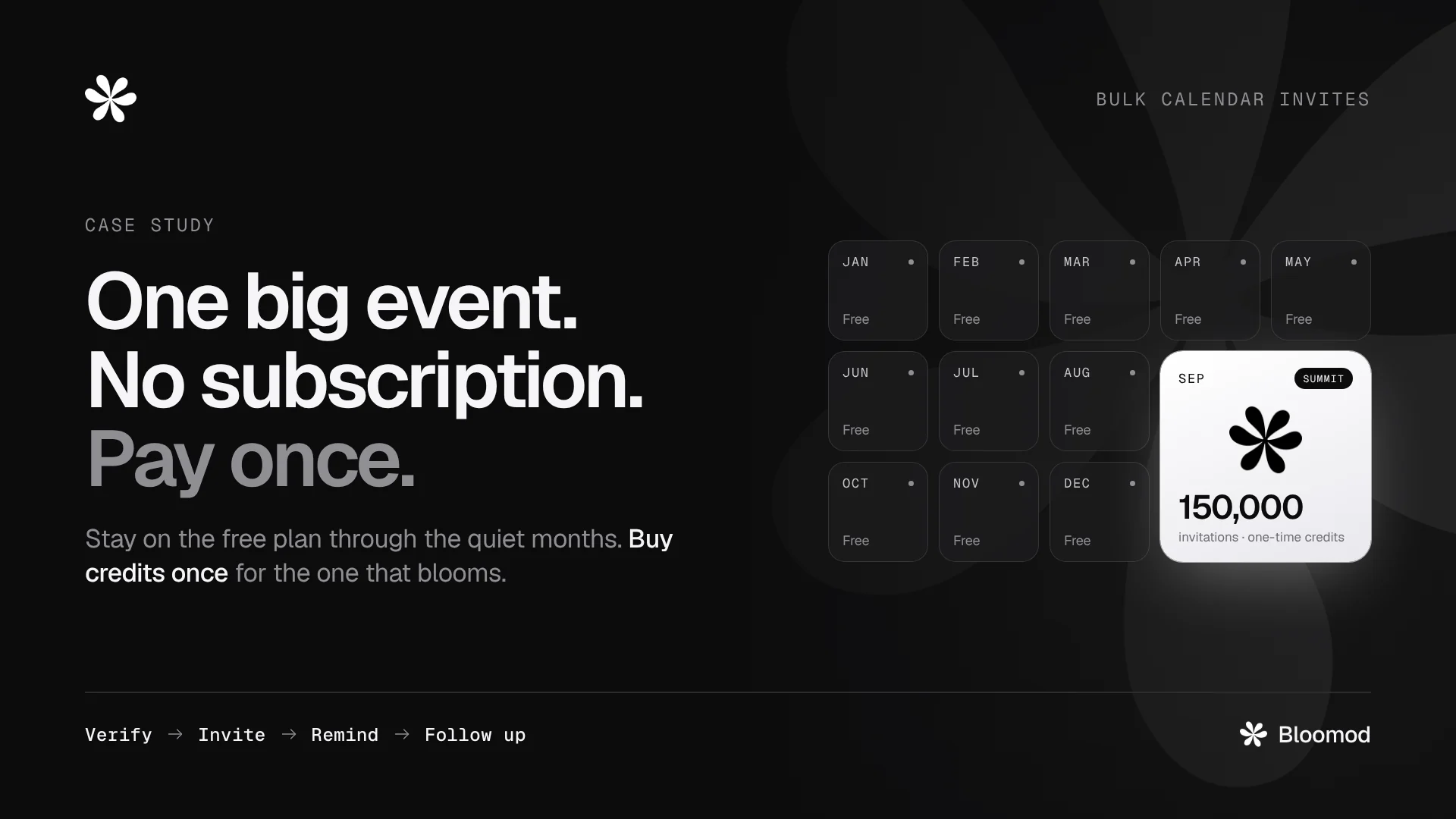
Latest · Case study
Latest · Case study
Seed is free: 2,000 calendar invitations and 200 emails every month. No card required.
5 min read
3 min read
7 min read
7 min read
Works with Google Calendar, Outlook, Microsoft 365, Apple Calendar, Google Meet and Microsoft Teams.
What Bloomod does
Your own calendar
Invitations go out from Google Calendar, Microsoft 365 or Bloomod SMTP.
Real attendees
Disposable emails are blocked at sign-up, and Verify confirms the rest.
Nothing to install
Attendees use the email and calendar they already have. No account needed.
Built for repeat events
Unlimited events on every plan. Set the Flow once and reuse it.
How Bloomod works
Seven steps, one connected path. You set up the first three once. Bloomod runs the rest for every attendee.
Send real calendar events from your Google or Microsoft calendar, or through Bloomod SMTP from your own domain, with the event attached.
Read in detailSending to 1,000 people or more? Bloomod SMTP is recommended, since calendar providers set their own sending limits.
Name, date, time and the joining link or venue. Bring attendees in from your event page, an embedded form, a CSV file or by hand.
Flow is the path every attendee takes after they register. Every step is optional, so switch each one on or off. Try it: the steps below follow your choice.
Every step is optional. Bloomod recommends keeping all four on.
Reminder and Follow-up are sent to invited attendees, so turning Invite off turns them off too.
Setup done · Runs on its own
Then Flow takes over.
Each attendee moves through the steps you switched on, at the right moment. Nothing to send by hand.
Each attendee confirms their email with a single-use link before an invitation goes out. Verify sends no invitation by itself. Switch it off and invitations go out without this step.
Ten real attendees beat a thousand fake ones.
Invite sends the real calendar invitation. With Verify on, each attendee is invited once they confirm; with Verify off, everyone you add is invited. While Invite is off nobody is invited, including attendees who already verified, until you switch it back on.
People register days or weeks ahead, and other plans fill the slot. Set the timing once and Bloomod reminds every invited attendee, on time, for every event that uses this Flow. Reminder needs Invite: only an attendee who was sent an invitation can be reminded.
Read more about remindersFigures are illustrative · reminders use email credits
Event day
Attendees join from the invitation already in their calendar.
When the event ends, Bloomod sends your follow-up to the attendees you choose by RSVP status. Follow-up needs Invite, because that RSVP comes from the invitation. It runs only when switched on.
Read more about follow-upsThanks for joining. Stay in touch for the next one, or book a time with our team.
Preview only · follow-ups use email credits
Pricing
Every plan includes the full Flow. What changes is how much you send and whose name is on the emails.
Compare plans and add-onsGrow your first stem.
$29/ month, or $300 a year
Everything in Seed, plus
Start with a seed.
$0forever
Included
Optional add-ons: RSVP Reporting $10/month · Bloomod SMTP $19/month · credit top-ups at Seed rates.
Bloom when you need to.
Custom
Everything in Stem, plus
No card required on Seed · Cancel Stem any time · Top up without upgrading
Something not covered here? Write to [email protected].
Bloomod is an event communication platform for calendar invitations and optional attendee automation. Organizers choose email verification, reminders and follow-up for each event, and can track supported calendar responses with RSVP Reporting.
No. Verification is an optional Attendee Flow step. With Verify off and Invite on, calendar invitations can be sent without attendees first confirming their email through Bloomod. With Verify on, confirmation is required before the automated invitation.
Yes. Keep Attendee Flow and Invite enabled, and switch Verify, Remind and Follow-up off. Registrations and CSV imports use that event’s configuration.
Only if those steps are enabled for the event. In the invitation-only configuration, they are off and do not run. Turning Invite off also turns Reminder and Follow-up off.
No. Attendees use their existing email and calendar. When the organizer enables verification, they confirm their email through the verification link before the automated invitation.
No. Attendee email verification and sender-domain verification serve different purposes. A custom sending domain must complete its required verification before use.
Bloomod SMTP lets you send verification, invitation and reminder emails from your own domain. It is a $19/month add-on for Seed with 2,000 emails each month, and it is included in Stem.
Follow-up is an optional Attendee Flow step. When enabled and the event’s delivery conditions are met, it can send your template after the event. Follow-up emails use email credits, like reminders.
No. RSVP Reporting shows calendar responses such as Accepted, Tentative, Declined and Awaiting response. A calendar response shows intent. It does not prove that someone attended.
Seed is free with 2,000 calendar invitations and 200 emails every month. Stem is $29/month, or $300/year, with 4,000 calendar invitations, 3,000 emails, RSVP Reporting, Bloomod SMTP and branding removal included. Bloom is a custom plan for organizations that need tailored volume and support.