Bulk calendar invites without a monthly subscription
How to send calendar invites to a big list on Bloomod's free plan: buy add-on credits once for the event, send through Bloomod SMTP, and keep the unused credits for 12 months. No subscription.
By Bishal
Published Updated 6 min read
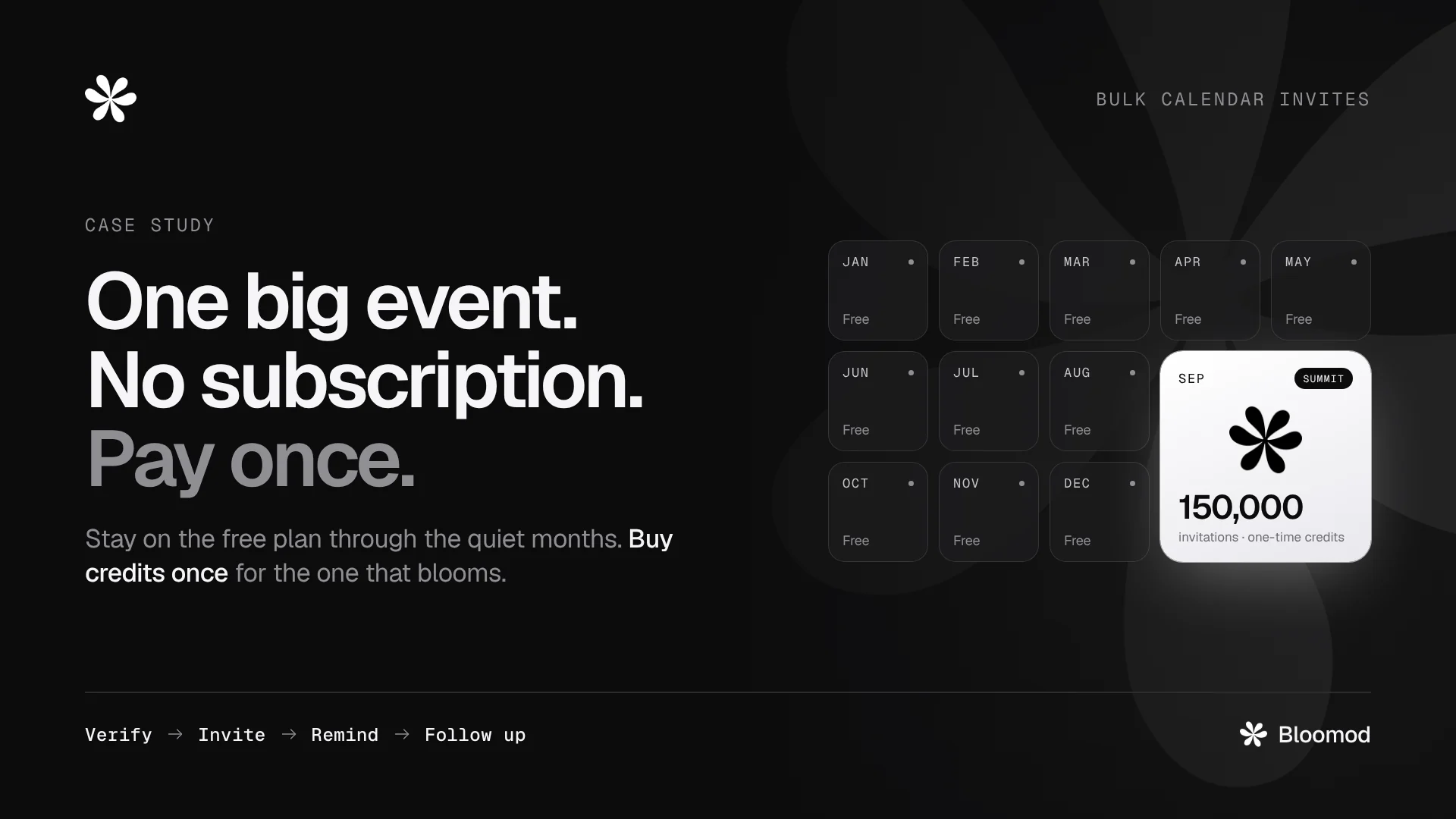
The short answer: you don't need a subscription to send calendar invites to a big list.
- Stay on Bloomod's free Seed plan.
- Buy add-on credits once, for the event that needs them.
- Send through Bloomod SMTP, which is built for large invitation lists and handles 300,000 attendees in one event.
Purchased credits last 12 months, so whatever you don't use stays for your next event.
An illustrative example, built from how Bloomod works today. It is not a customer result.
Where it starts: one big event a year
A professional association runs one free online summit every year. The rest of the year, it sends a few small invitations a month: board meetings, member calls, a workshop now and then.
This year, 150,000 members register for the summit.
The association doesn't want a monthly plan for one busy month. It wants to pay for this event, once, and go back to free.
What you need, and what you don't
- A free Seed account. No card is needed to sign up.
- Email credits for the send, bought once as an add-on.
- Bloomod SMTP, which comes with every Bloomod account, including Seed.
- You don't need a subscription, an upgrade, or a connected Google or Microsoft calendar.
How add-on credits work
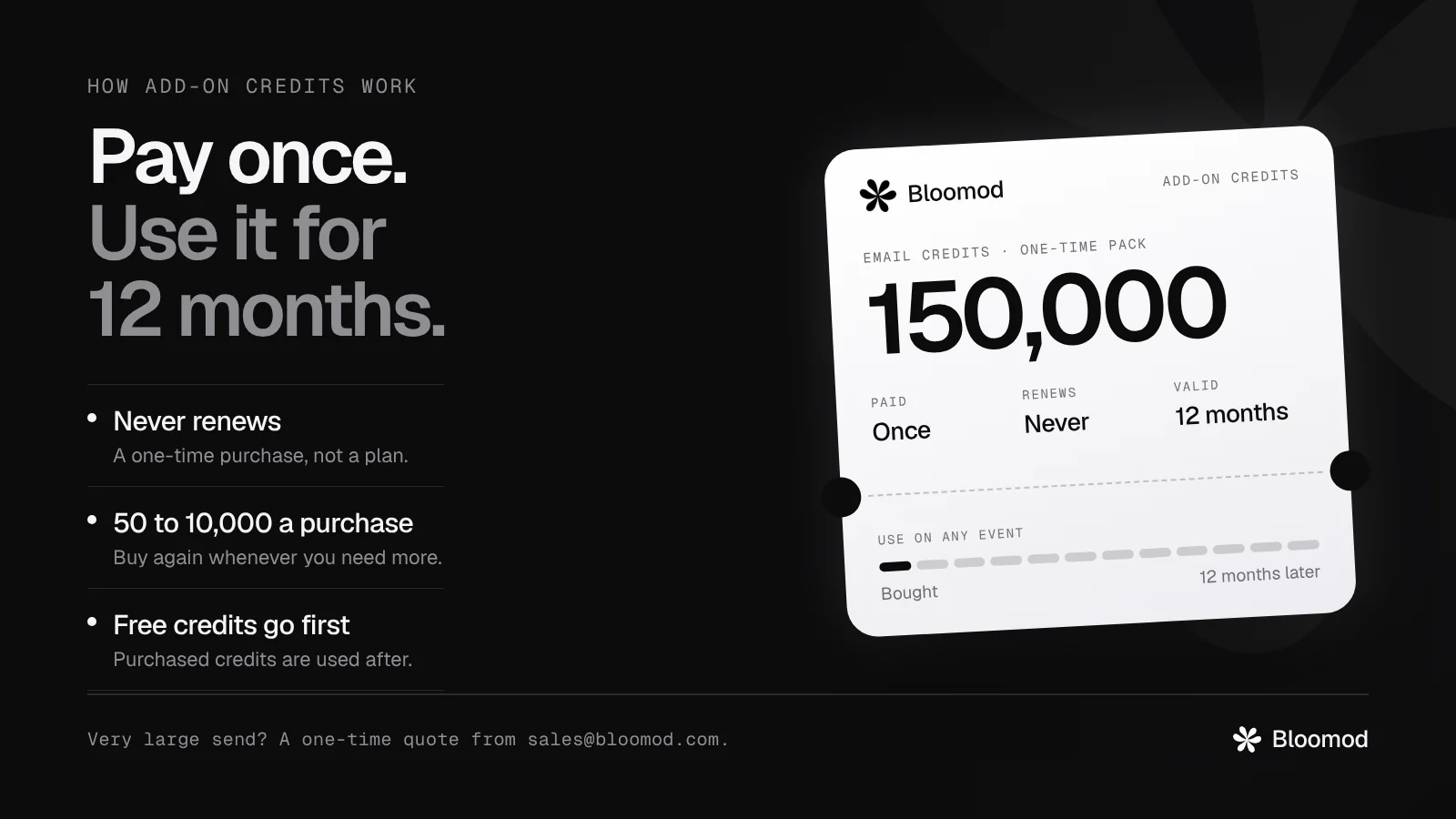
- A one-time purchase, not a subscription. Nothing renews.
- Buy what the event needs. Email credits come in purchases of 50 up to 10,000 at a time, and you can buy again whenever you need more. Larger purchases cost less per credit.
- They last 12 months from the day you buy them, for any event.
- Free credits go first. Your monthly free credits are used before your purchased ones.
- Calendar credits work the same way, for invitations sent through a connected Google or Microsoft calendar.
- Very large sends get a quote. For hundreds of thousands of credits, write to [email protected] for a one-time bulk price.
Credit prices are on the pricing page.
Why Bloomod SMTP for a list this size
- Built for big lists. Bloomod SMTP isn't tied to your own calendar account. Google and Microsoft calendars are built for people's meetings and set their own sending limits, which we explain, with links to their documentation, in how to send bulk calendar invites to thousands.
- 300,000 attendees in one event. Bloomod is built to handle an event this size, and a single CSV import brings in up to 300,000 rows.
- No meeting-room cap. Bloomod SMTP events use your own meeting link or a venue, so no meeting platform limit applies.
- One invitation per attendee. Nobody sees the guest list, and nobody can reply-all to 150,000 people.
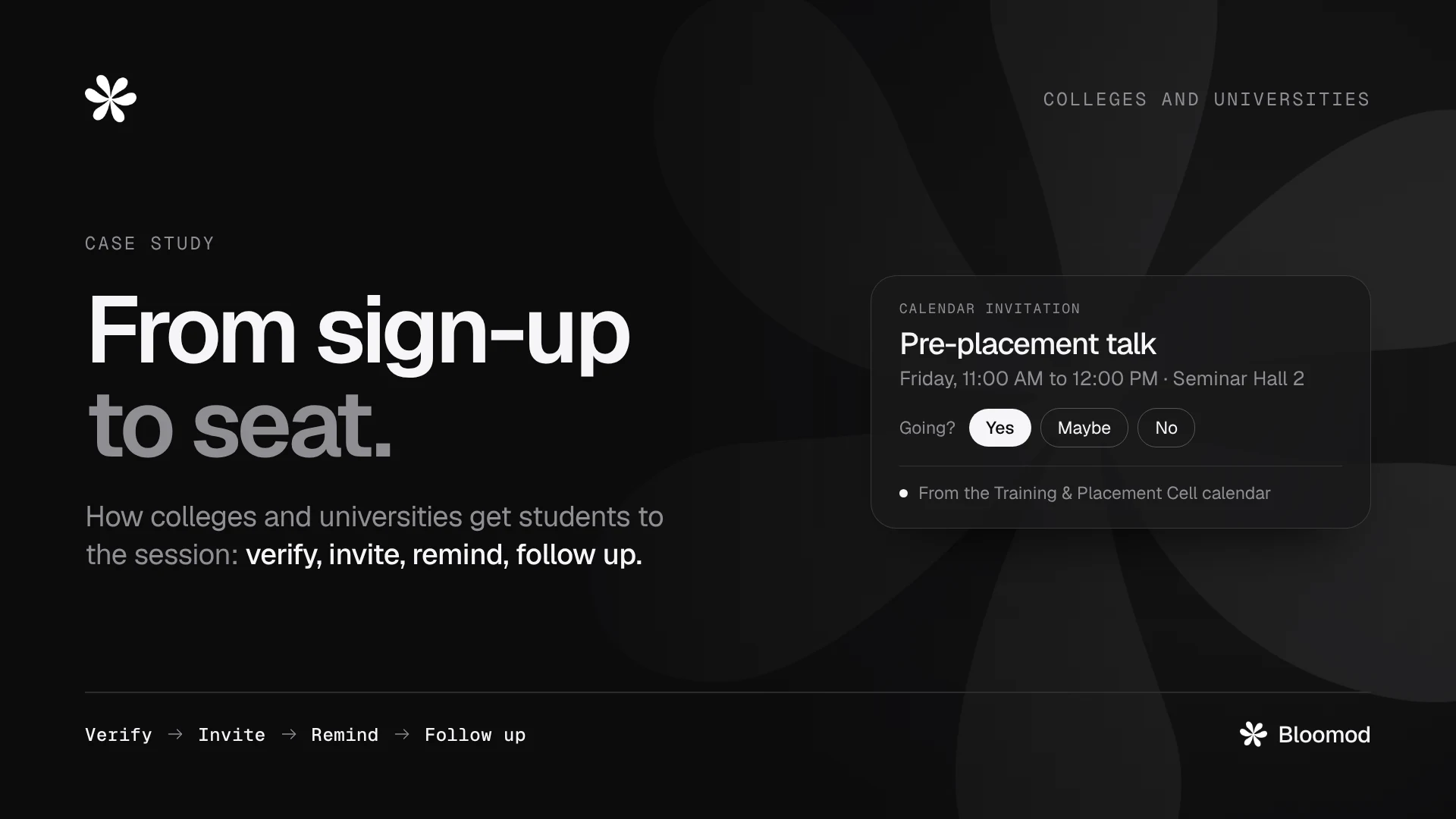
- A real calendar invitation, with Yes, Maybe and No. Updates and cancellations reach every attendee.
- Steady, paced sending. A big list goes out over days, not minutes, so start a week or more before the event.
- Your sender address. On Seed, invitations come from your sender on bloomod.org, with Bloomod branding. Sending from your own domain is part of Stem or the SMTP Advanced add-on, which are monthly.
How to send it, step by step
- Create a free Seed account.
- Create the event. Choose Bloomod SMTP as the way to send, and add your meeting link or venue.
- Add your attendees. Import a CSV of up to 300,000 rows, or open sign-ups on the event page.
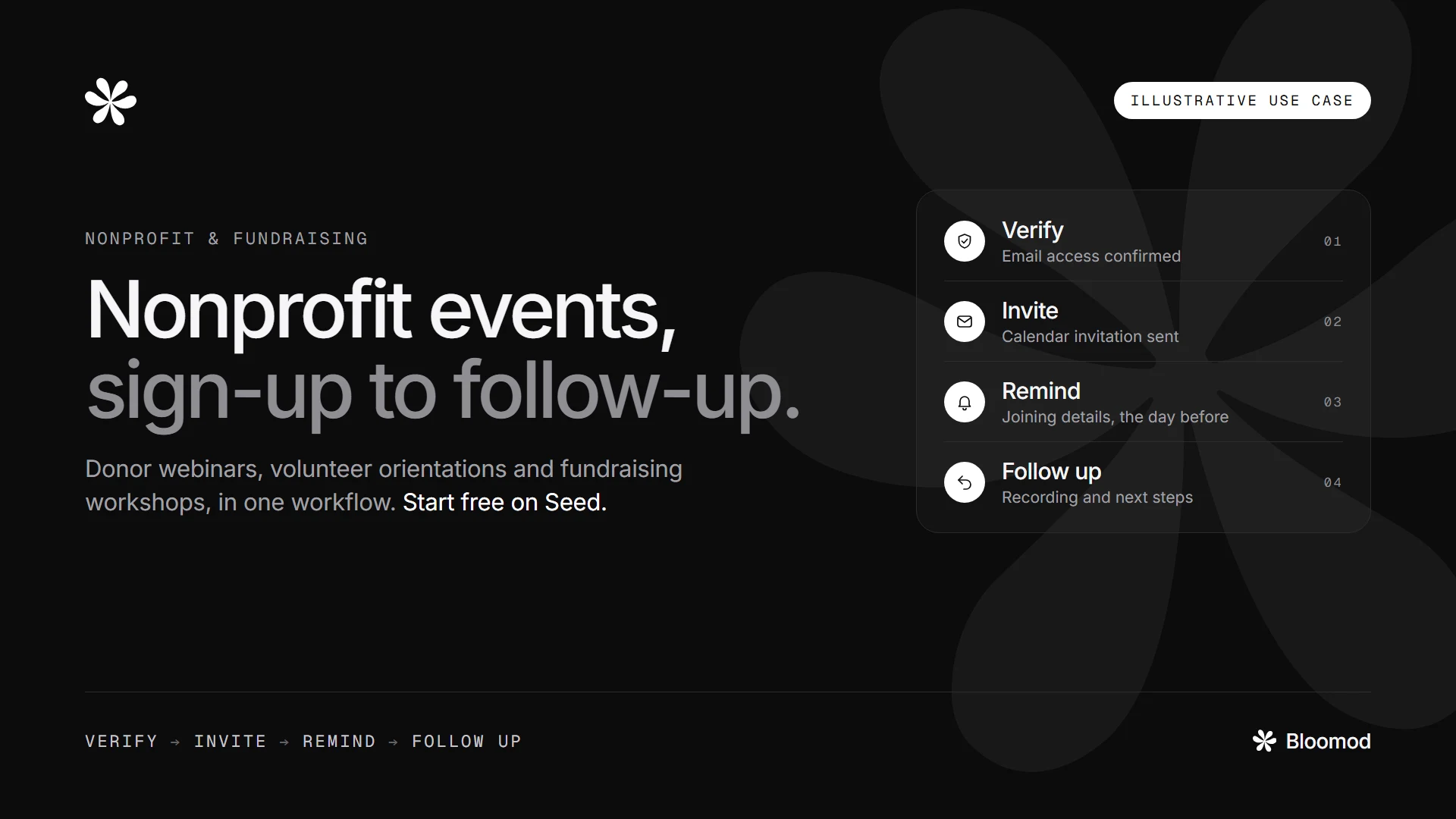
- Choose your steps. Send the invitation only, or add verification, the day-before reminder and a follow-up.
- Buy the credits. Work out how many you need (see below), then buy them as add-ons, or ask sales for a quote.
- Start sending early, a week or more before the event.
What it costs, in credits
Through Bloomod SMTP, each invitation, update or cancellation uses one email credit. So do verification, reminder and follow-up emails, one per attendee each.
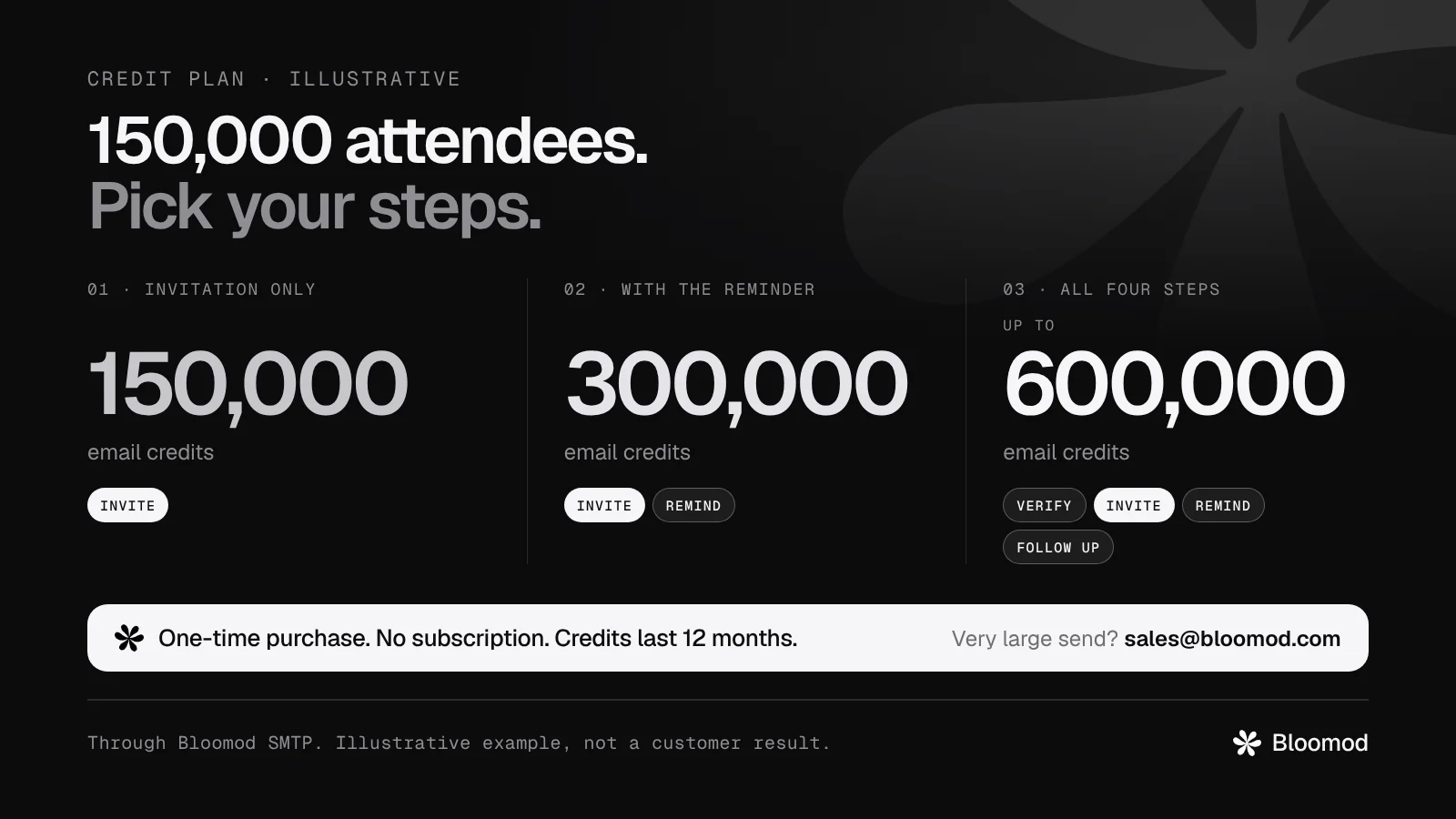
For the 150,000-member summit (illustrative):
- Invitation only: 150,000 email credits.
- Invitation and the day-before reminder: 300,000 email credits.
- All four steps (verify, invite, remind, follow up): up to 600,000 email credits.
At this size, one quote from [email protected] is simpler than many 10,000-credit purchases.
If you send lists this big every month, look at Stem as well. It includes credits every month and a lower rate on top-ups, so compare before you buy.
Where it ends: summit day
Ten days before the summit, the invitations start going out. By the weekend before, all 150,000 are in members' calendars, with the joining link inside. The reminder goes out the day before.
On summit day, the association has paid for one event, once.
The next month, it's back to small invitations on the free plan, and the credits it didn't use are still there for the next 12 months.
Frequently asked questions
Do I need a subscription to send bulk calendar invites on Bloomod?
No. Stay on the free Seed plan, buy add-on credits once for the event, and send through Bloomod SMTP.
Is buying credits a one-time payment?
Yes. An add-on credit purchase is paid once and never renews.
How long do add-on credits last?
12 months from the day you buy them. You can use them on any event in that time.
How many attendees can one event have?
Bloomod sets no attendee cap of its own and is built to handle 300,000 attendees in one event. A single CSV import takes up to 300,000 rows. If Bloomod creates a Google Meet call for an event, that call's 200-participant default applies.
Can I send from my own domain without a subscription?
Not on Seed alone. Seed sends from your sender on bloomod.org. Your own domain comes with Stem or the SMTP Advanced add-on, which are monthly.
Can I get a better price for a very large send?
Yes. Larger purchases already cost less per credit. For hundreds of thousands of credits, write to [email protected] for a one-time bulk quote.
Can I use Bloomod SMTP for marketing email?
Not today. Bloomod SMTP is for event invitations and event emails to people who registered or expect to hear from you. Bulk marketing and newsletters are not live yet. They are planned for a future release, and Bloomod will support them then.