How Nonprofits Can Manage Event Invites, Reminders and Follow-ups with Bloomod
Donor webinars, volunteer orientations and fundraising workshops in one workflow: verify, invite, remind and follow up. Start free on Seed and add credits only when an event needs them.
3 min read
Nonprofit teams often collect registrations in one place, send calendar invitations from another, and handle reminders and follow-ups by hand. Every donor webinar, volunteer orientation or fundraising workshop turns into the same manual checklist.
Where nonprofit events lose people
Bloomod keeps the attendee journey for nonprofit events in one workflow, whether it is a donor webinar, a volunteer orientation, a fundraising workshop or a community session.
- Registrations sit in one tool while invitations go out from another, so lists drift apart.
- A confirmation email is not a calendar entry. Without the time held in a calendar, the event is easy to forget.
- Reminders and follow-ups are manual, so they go out late, or not at all.
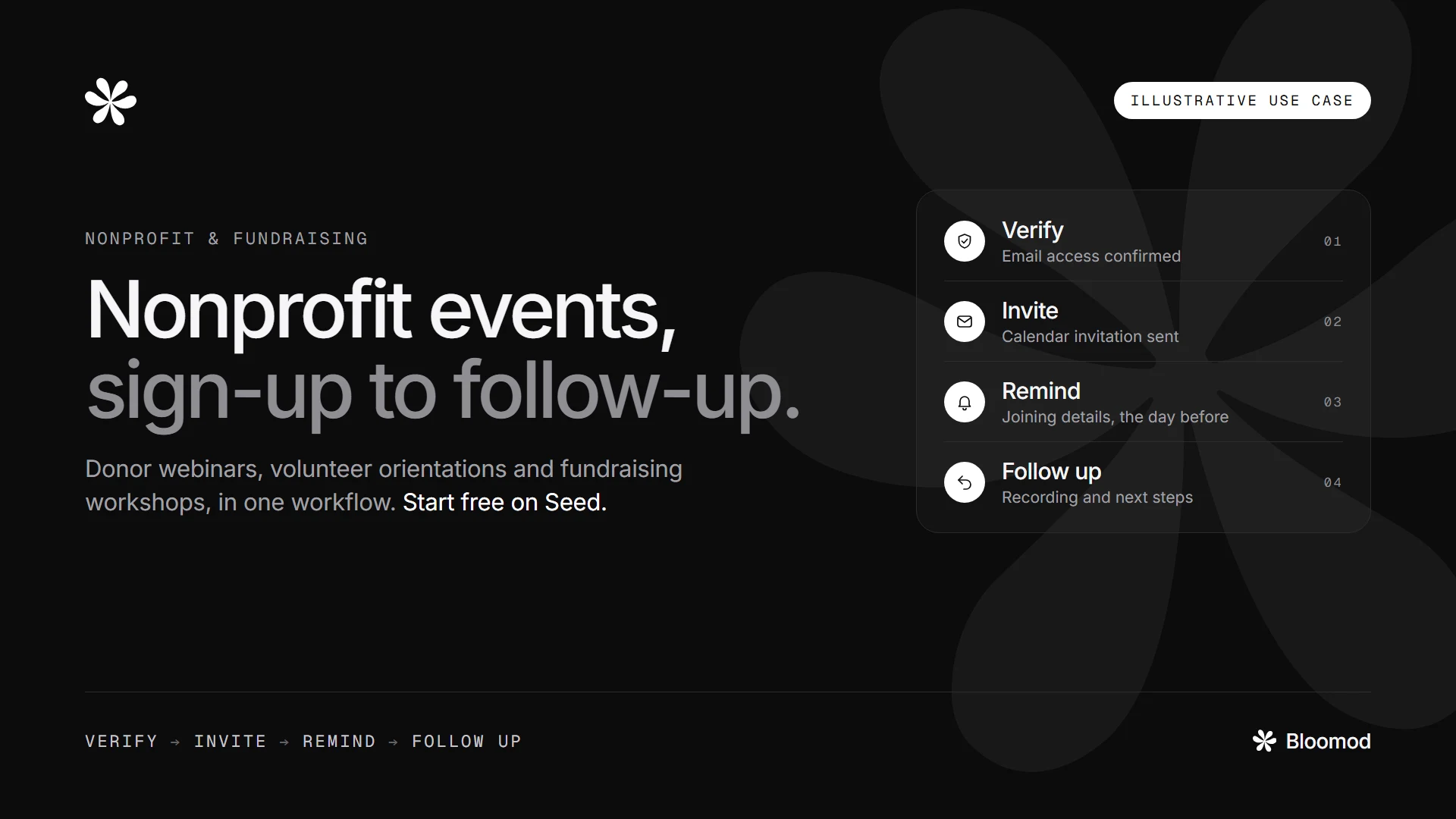
Verify, Invite, Remind, Follow up
- Verify: confirm that each registrant can access the email address they signed up with.
- Invite: send the event as a calendar invitation.
- Remind: share joining details, preparation notes and event reminders.
- Follow up: continue the conversation after the event, with a recording, resources or the next event.

Choose the right delivery for your event
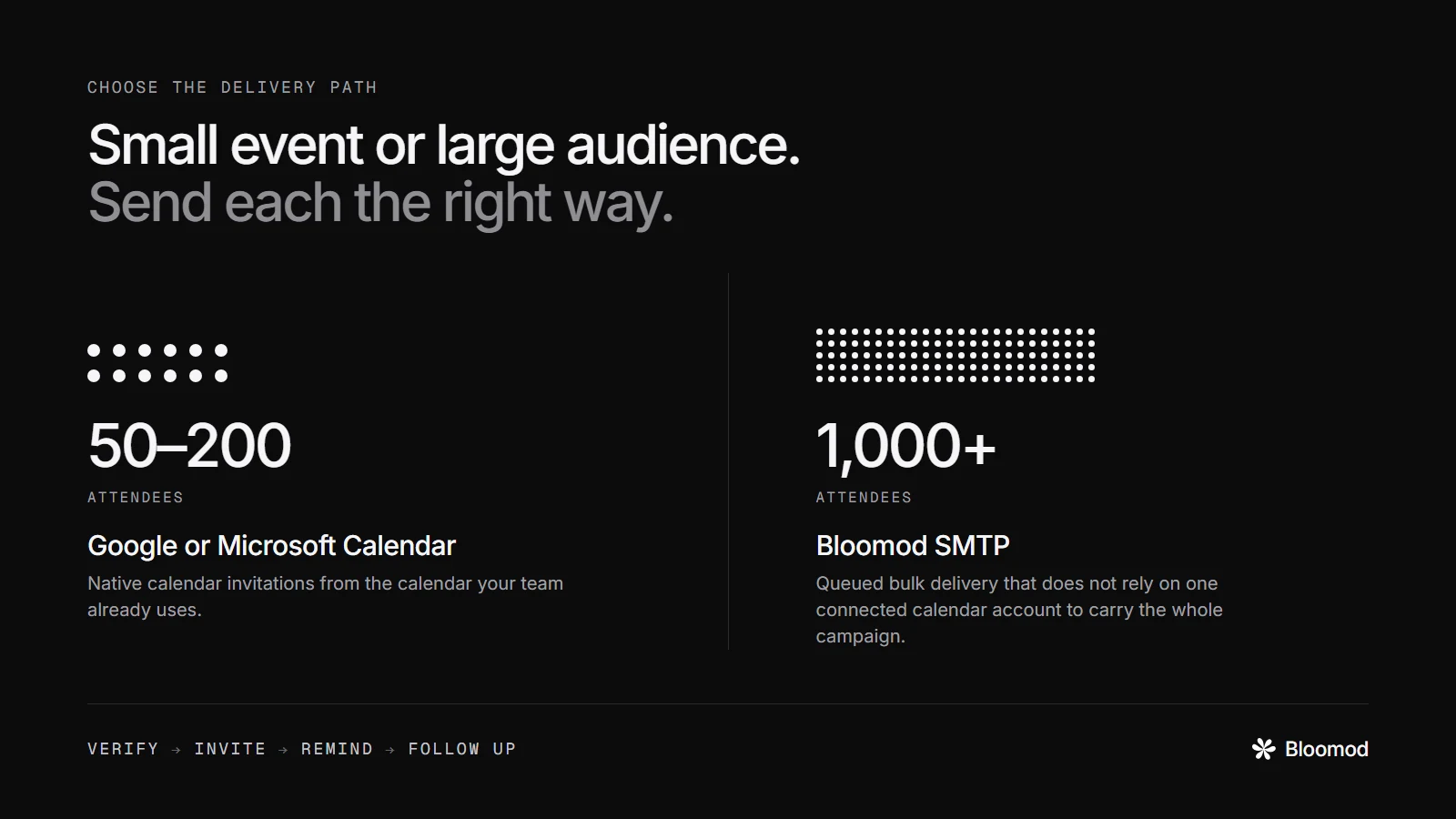
- 50–200 attendees: use Google Calendar or Microsoft Calendar for native calendar invitations.
- 1,000+ attendees: use Bloomod SMTP for bulk event delivery. Bulk delivery does not rely on one connected Google or Microsoft calendar account to carry the full campaign.
- Large lists: Bloomod supports attendee-list imports of up to 300,000 rows, with delivery handled through queued processing rather than all at once.
Start free and scale only when needed
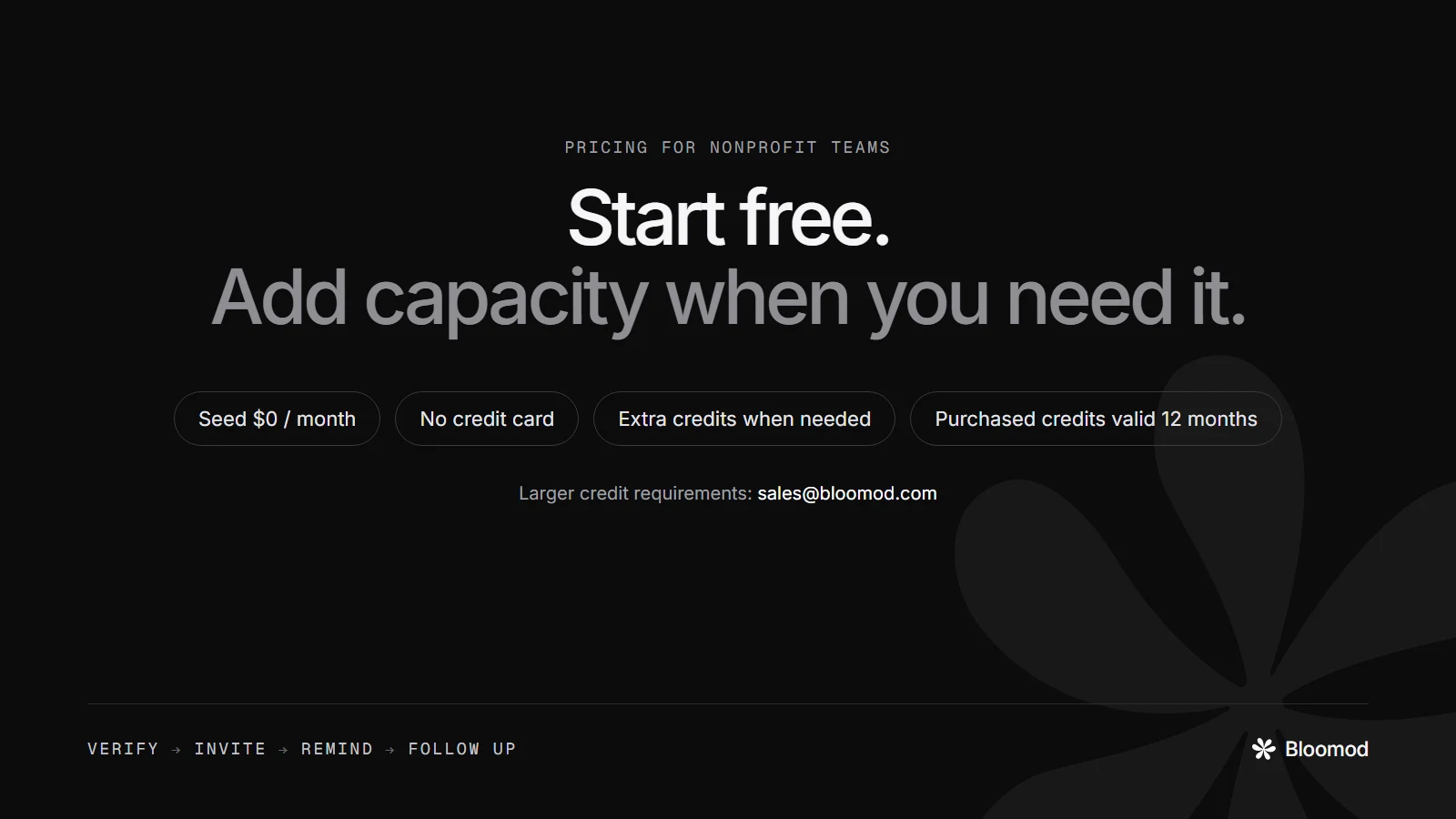
- Seed starts at $0/month, and no credit card is required to start.
- Seed includes monthly email credits and calendar invitation credits.
- Buy extra credits only when an event needs more volume.
- Purchased credits remain valid for 12 months.
- No plan upgrade is required only to add sending volume.
- For larger credit requirements, contact [email protected].
Questions nonprofit teams ask
Is Bloomod free for nonprofit events?
Bloomod Seed starts at $0 a month and needs no credit card. It includes monthly email and calendar invitation credits, and you can buy extra credits when an event needs more.
Which delivery should a nonprofit use for a small event?
For about 50 to 200 attendees, send native calendar invitations from your own Google Calendar or Microsoft Calendar.
Which delivery should a nonprofit use for 1,000 or more attendees?
Use Bloomod SMTP for bulk event delivery, so one connected Google or Microsoft calendar account does not have to carry the whole campaign. Delivery is queued rather than sent all at once.
How large an attendee list can I import?
Bloomod supports attendee-list imports of up to 300,000 rows. Large lists are processed and delivered through a queue.
Do I have to upgrade my plan to send more?
No. You can buy extra email or calendar invitation credits without upgrading. Purchased credits remain valid for 12 months. For larger credit requirements, contact [email protected].
Does email verification confirm who an attendee is?
No. Verification confirms that the person can access the email address they registered with. It does not verify identity.
Does an RSVP mean the person attended?
No. An RSVP shows intent to attend, not physical attendance.
Run your next nonprofit event on Bloomod
Verify → Invite → Remind → Follow up. Bloomod helps nonprofit teams manage event communication from registration to post-event follow-up, without turning every event into a manual workflow.
Start free, or contact sales for bulk credits. See the plans and credits and how bulk calendar invitations work.
Illustrative nonprofit use case, not a customer results study. Email verification confirms access to an email address, not identity. An RSVP indicates intent, not physical attendance.